Graphile Worker 0.17: WorkerPool, Batching, and Migration
Published: 2026-06-29
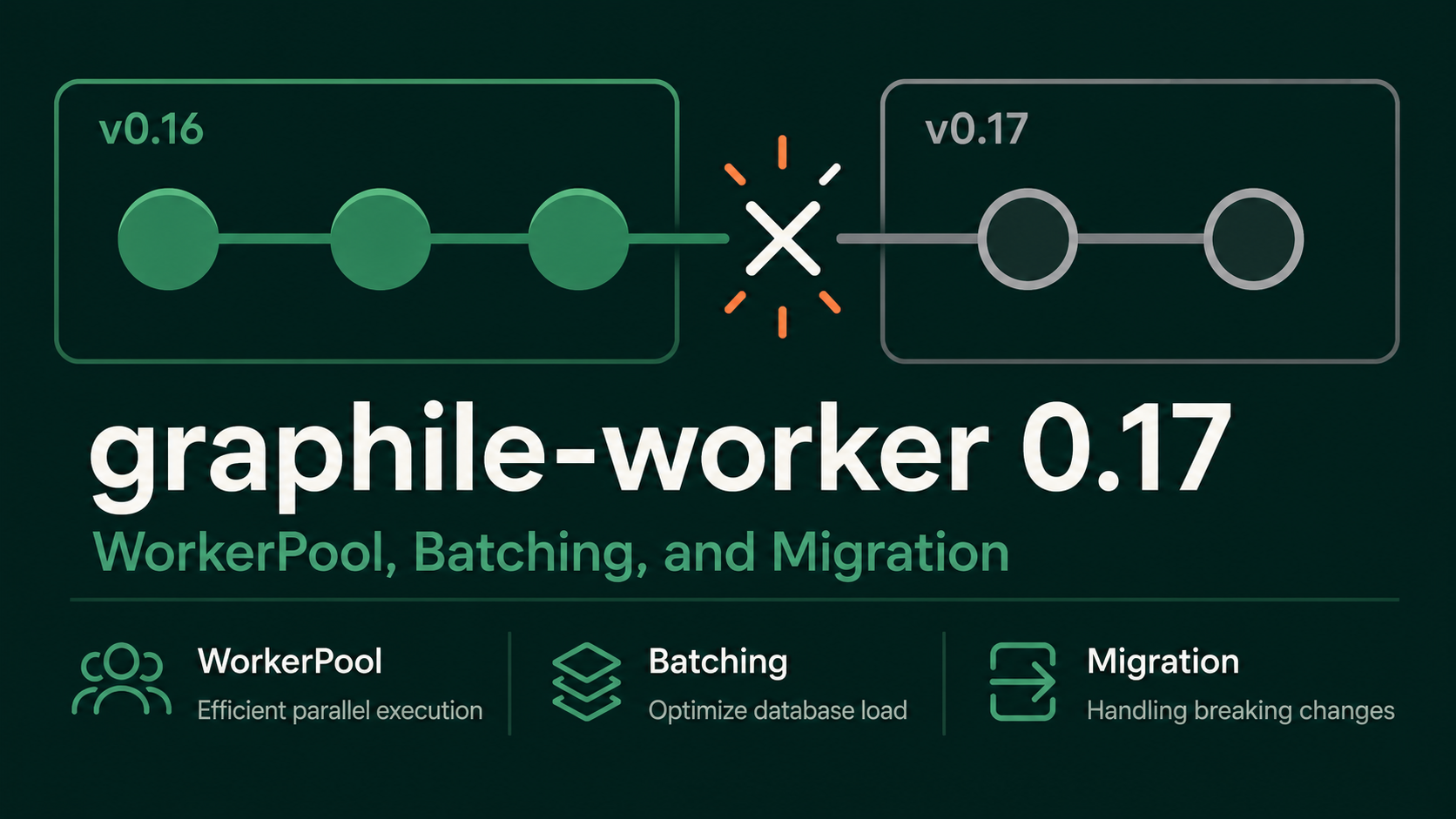
I recently upgraded graphile-worker from 0.16.6 to 0.17.2. The release contains meaningful architectural decisions worth understanding before you update.
What is Graphile Worker
graphile-worker is a job queue that runs entirely on PostgreSQL. No Redis, no separate queue infrastructure — jobs live in your existing database as rows, and workers poll for them using SKIP LOCKED. It is still on v0, but it is used in production and the maintainers are actively consolidating the design toward a stable 1.0 API.
v0.x and breaking changes
graphile-worker is production-ready, but still v0 — it is actively evolving, and breaking changes can and do happen. Every upgrade, even a minor bump, warrants a read of the RELEASE_NOTES.
What changed in v0.17
The headline of the 0.17 release is performance, but the headline also comes with a breaking architectural change.
WorkerPool-based locking
The most consequential change:
BREAKING: jobs and queues are now
locked_bytheirWorkerPool’s id rather than theworkerId.
Previously, the locked_by column recorded the ID of the individual worker process that claimed a job — each worker had a unique value. From v0.17, it records the ID of the WorkerPool, the higher-level abstraction that manages a set of workers. All workers inside the same pool now share a single locked_by value.
In practice: if you run four workers in one pool, you previously saw four distinct locked_by entries in the database. Now you see one. Anything that relied on per-worker granularity — counting active workers via COUNT(DISTINCT locked_by), correlating lock values to specific process IDs — will break silently.
The shift to pool-level locking is what makes the new batching and local-queue features possible.
BREAKING: Worker Pro users need to update to
@graphile-pro/[email protected]at the same time as updating Graphile Worker to this release.
Because the locking model changed at the database level, old and new workers cannot safely run against the same schema simultaneously. Worker Pro coordinates this shutdown-and-migrate sequence automatically; without it, you need to scale to zero before migrating.
Opt-in performance features
The release adds two opt-in performance improvements:
Job completion batching — controlled by preset.worker.completeJobBatchDelay and preset.worker.failJobBatchDelay. Instead of writing a completion record per job, workers accumulate completions and flush them in batches, reducing write load on the database. Trade-off: more locked jobs may be left behind if a worker crashes before a batch flushes.
Local queue — controlled by preset.worker.localQueue.size. Workers fetch jobs in bulk and distribute them locally rather than each worker fetching on-demand from the database. This significantly reduces database load at high concurrency. Trade-off: higher-priority jobs added after a local queue is filled won’t be seen until the next refetch.
Both features are off by default.
Middleware system
A new middleware system (via graphile-config, a separate package in the Graphile ecosystem) is now preferred over the existing hooks API. Hooks are not yet removed but will be deprecated and removed in a future release. If your codebase uses prebootstrap/postbootstrap or similar hooks, plan for a migration to middleware.
Other breaking changes
- The CLI no longer applies defaults that override
graphile.config.jssettings. - Worker will now warn if you have not installed error handlers on the pool (previously it silently installed them itself).
What I Updated
Change 1 — WorkerPool locking
Any code that reads or filters on locked_by needs to account for the new value format. Typical affected areas:
- Monitoring queries that filter by
locked_byto detect stuck jobs - Liveness checks that correlate
locked_byvalues against running process IDs
Use the graphile_worker.jobs view (added in v0.16, stable across minor and patch versions) to inspect current values:
SELECT id, locked_by, locked_at
FROM graphile_worker.jobs
WHERE locked_by IS NOT NULL
LIMIT 10;
Before upgrading, run this and note the format. After upgrading, run it again. Values will shift from the worker-ID format to the pool-ID format. Any hardcoded format assumptions in monitoring code need updating.
Change 2 — Task payload typing with GraphileWorker.Tasks
This is not a v0.17 change — the pattern was introduced in v0.16.0. Addressing the locked_by migration required me to revisit my task handler code anyway, so I adopted this pattern at the same time.
Since v0.16.0, Task defaults the payload type to unknown:
import { Task } from 'graphile-worker';

const processAlert: Task = async (payload, helpers) => {
  // payload: unknown
  const data = payload as { alertId: string }; // cast, no runtime safety
  await sendNotification(data.alertId);
};
Registering the task in the GraphileWorker.Tasks global interface removes the cast:
// types/graphile-worker.d.ts
declare global {
  namespace GraphileWorker {
    interface Tasks {
      processAlert: { alertId: string; severity: 'low' | 'high' };
    }
  }
}

export {}; // required to treat the file as a module so declare global takes effect
With the registration in place, the task handler gets a typed payload:
import { Task } from 'graphile-worker';

const processAlert: Task<'processAlert'> = async (payload, helpers) => {
  // payload: { alertId: string; severity: 'low' | 'high' }
  await sendNotification(payload.alertId, payload.severity);
};
addJob() also becomes type-aware — mismatched task names or payload shapes are caught at compile time.
import { run } from 'graphile-worker';

const runner = await run({
  connectionString: process.env.DATABASE_URL!,
  taskList: { processAlert }
});

await runner.addJob('processAlert', { alertId: '123', severity: 'high' });
One important caveat, stated explicitly in the official documentation: jobs added via SQL’s add_job() function bypass TypeScript entirely. Jobs already in the queue when you deploy may not match the expected shape. GraphileWorker.Tasks improves the developer experience; it does not replace runtime validation of incoming payloads.
Migration steps
Without Worker Pro, the safe path is to drain all workers before the migration runs. graphile-worker handles SIGTERM gracefully — a worker that receives it stops accepting new jobs, finishes any jobs currently in progress, then exits. Once every worker has exited, no jobs remain locked in the old format and the migration can run safely.
If you are on Kubernetes or ECS, set terminationGracePeriodSeconds (or the equivalent) long enough for your longest-running jobs to complete. A second SIGTERM within 5 seconds triggers a forced exit, leaving jobs locked.
With Worker Pro, this drain-and-migrate sequence is coordinated automatically. The new worker detects that a breaking migration is required, signals old workers to drain, waits for them to exit, then runs the migration. See the Further Reading section for the full Worker Pro protocol.
The steps:
- Send
SIGTERMto all workers and wait for them to exit cleanly. - Run the
locked_byquery above to confirm no jobs are locked. - Upgrade
graphile-workerto0.17.x. If using Worker Pro, upgrade@graphile-pro/workerto0.2.xin the same deployment. - Register task payloads in
GraphileWorker.Tasks; add runtime payload validation for each handler. - Restart workers and re-run the query — confirm
locked_bynow shows pool IDs. - Update any monitoring queries or liveness checks that matched the old worker-ID format.
Conclusion
graphile-worker v0.17 is a meaningful step forward — WorkerPool-based locking lays the groundwork for the batching and local-queue features that make the library more viable at higher concurrency. Worth watching: the middleware API stabilizing and Worker Pro reaching a GA release.
Further Reading
-
graphile-worker RELEASE_NOTES — The authoritative record of every breaking change, feature addition, and deprecation across all versions. Essential reading before any upgrade.
-
Graphile Worker Documentation — Official documentation covering the full API, configuration reference, the
graphile-configpreset system, and Worker Pro. This post covers only the changes relevant to my upgrade; the docs have the complete picture. -
Worker Pro: Live Migration — How Worker Pro automates the drain-and-migrate sequence: heartbeat tracking, active worker management, configurable wait times, and crashed worker recovery. If you want zero-downtime upgrades, this is where to start.